Launch offer: Pro+ for life, $120 onceSee the offer →
Actal Recorder · Windows 10 and 11

Stop screenshotting your trades

Actal Recorder records your charts while you trade. When you import your trades, a picture of every entry, add and exit and a clip of the whole trade show up in your journal.

Comes with Pro+ · founders pay $10 a month
Clip · RTYZ6 · 1 minM2K long · 6 contracts · +$379.50
Jump to

A real trade of mine, an M2K long of 6 contracts, recorded from MotiveWave. Click a mark to jump to that execution.

How it works

Four steps, and you only do the first two once

  1. 1
    Pick your windows

    Choose the charts you trade from, once. The recorder knows MotiveWave, NinjaTrader, Sierra Chart, ATAS, Quantower, Rithmic, Tradovate, TradingView and more by name.

  2. 2
    Connect it to your journal

    Press Sign in with your browser, then Connect. It works with Google sign-in too.

  3. 3
    Trade like you always do

    It records on your PC while you trade. Nothing is sent anywhere.

  4. 4
    Import your trades

    The pictures and the clip of each trade show up in your journal.

The app

A small app next to your platform

This is the recorder on my PC. I picked my windows once: ES, RTY and YM on 1 minute and point and figure charts, MotiveWave itself and TradingView. It shows whether it's recording, and that's about it.
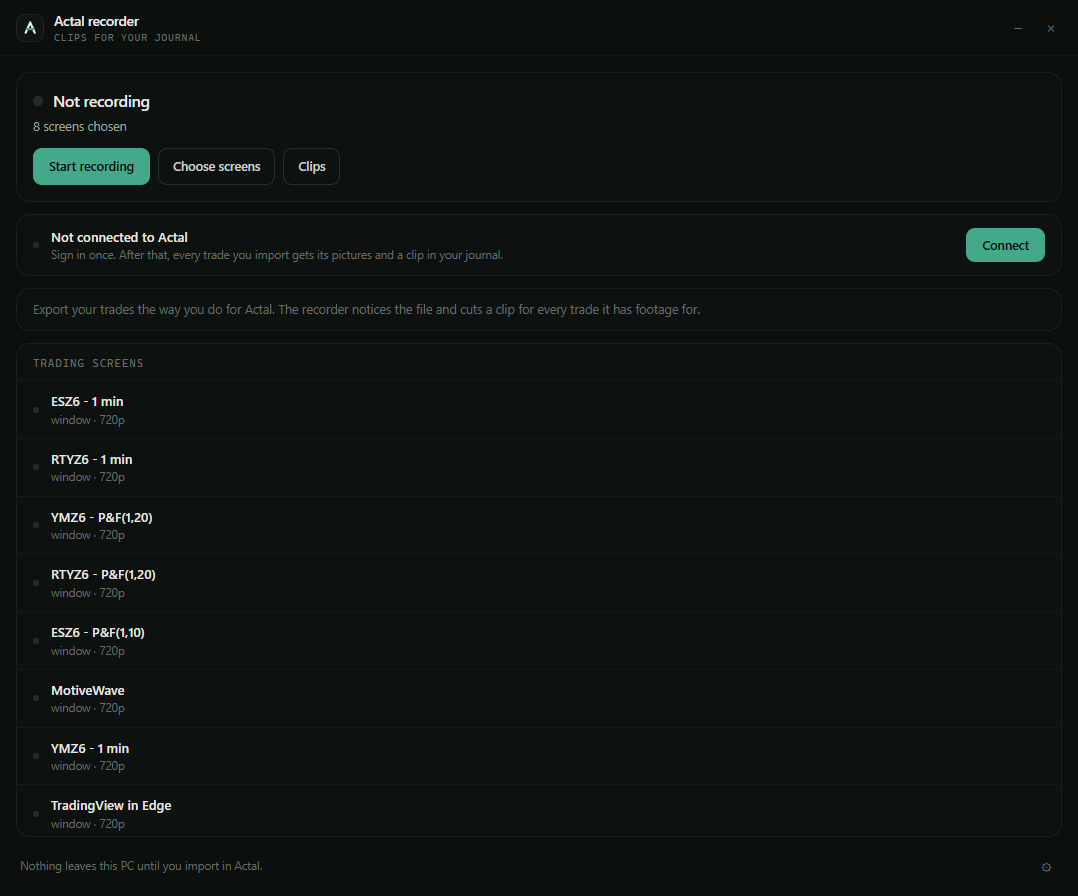
Actal Recorder on the owner's PC: not recording yet, 8 trading screens chosen (ES, RTY and YM on 1 minute and point and figure charts, MotiveWave and TradingView)
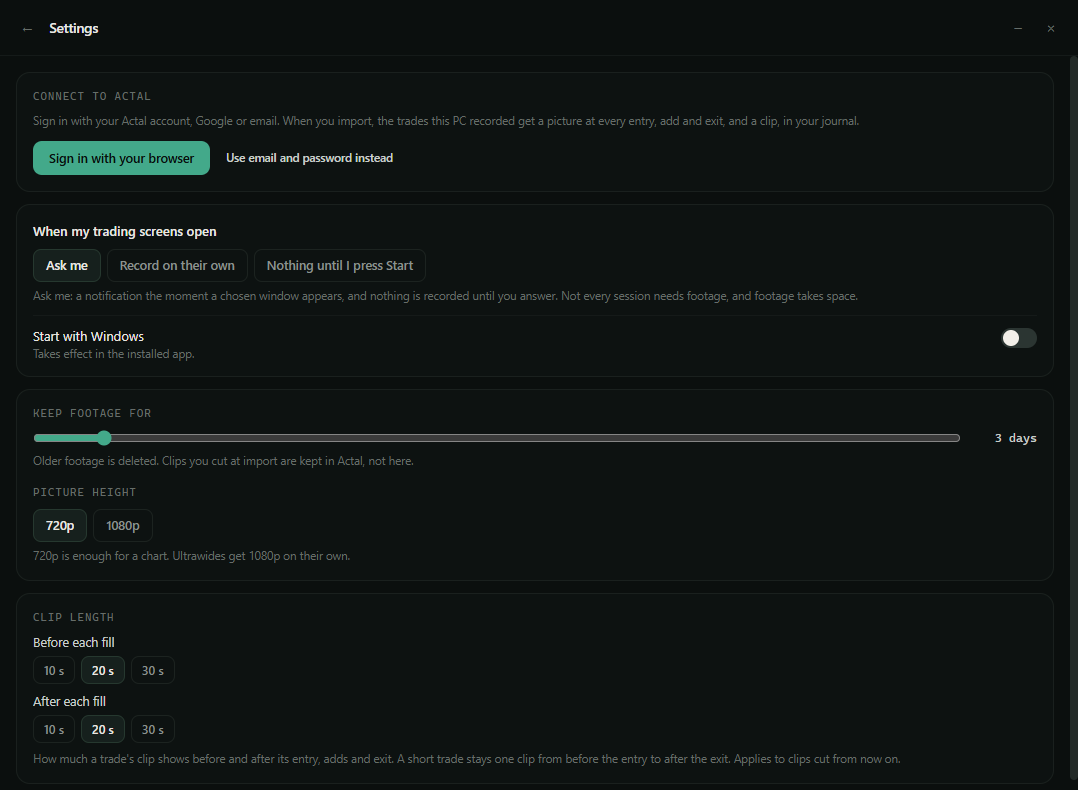
Actal Recorder settings: connect to Actal, when to record (Ask me, Record on their own, Nothing until I press Start), how many days to keep footage, picture height and clip length

You decide when it records

It can ask the moment your trading screens open, start by itself, or wait until you press Start. You also pick how many days footage is kept on your PC, and how many seconds around each fill go into a clip.

Connect

Connect it to your journal

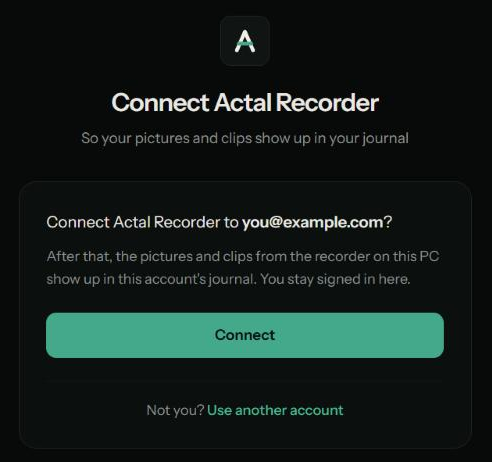
In the recorder's settings, press Sign in with your browser. Actal opens and asks if you want to connect the recorder to your account. Press Connect and you're done. It works the same whether you sign in to Actal with Google or with email, and you stay signed in to Actal in your browser.

The recorder's Connect to Actal card with the Sign in with your browser button
In the recorder: press Sign in with your browser.
The page Actal opens in your browser: Connect Actal Recorder to you@example.com? with a Connect button
In your browser: press Connect.
In your journal

Trade, import, and it's all there

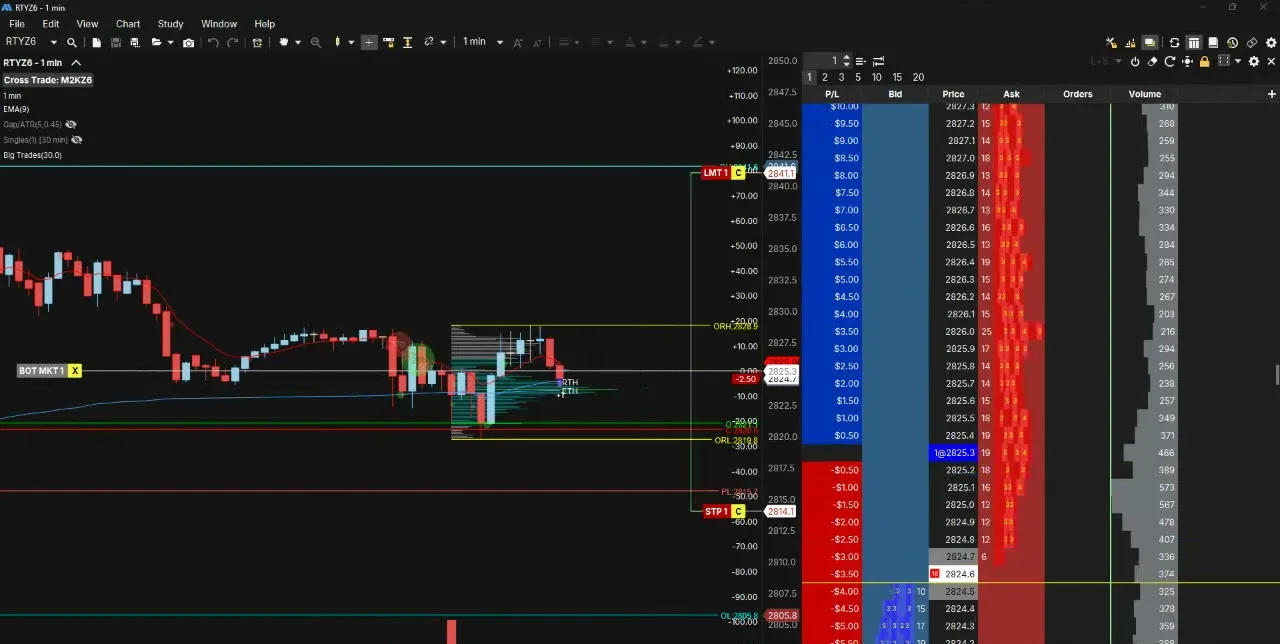
Trade like you always do. After the session, export your trades and import them in Actal like you normally would. The recorder takes a picture at every entry, add, scale-out and exit, and cuts a clip of each trade from the footage on your PC. Then they show up in your journal on the right trade, labelled with the fill and the time.
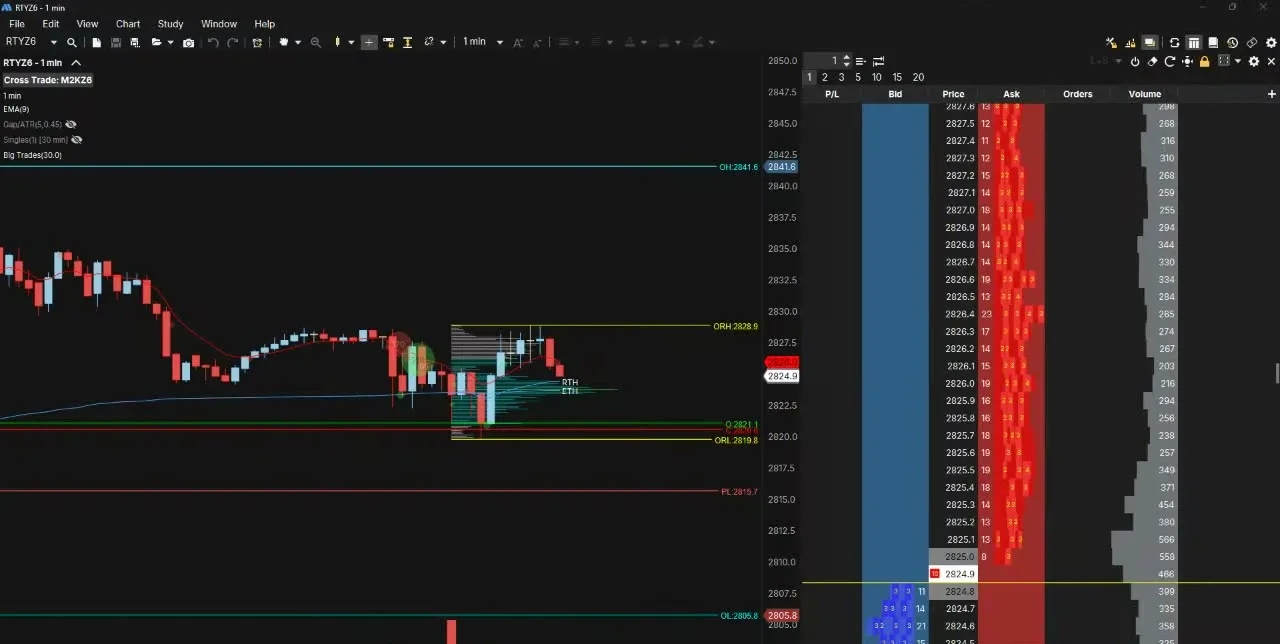
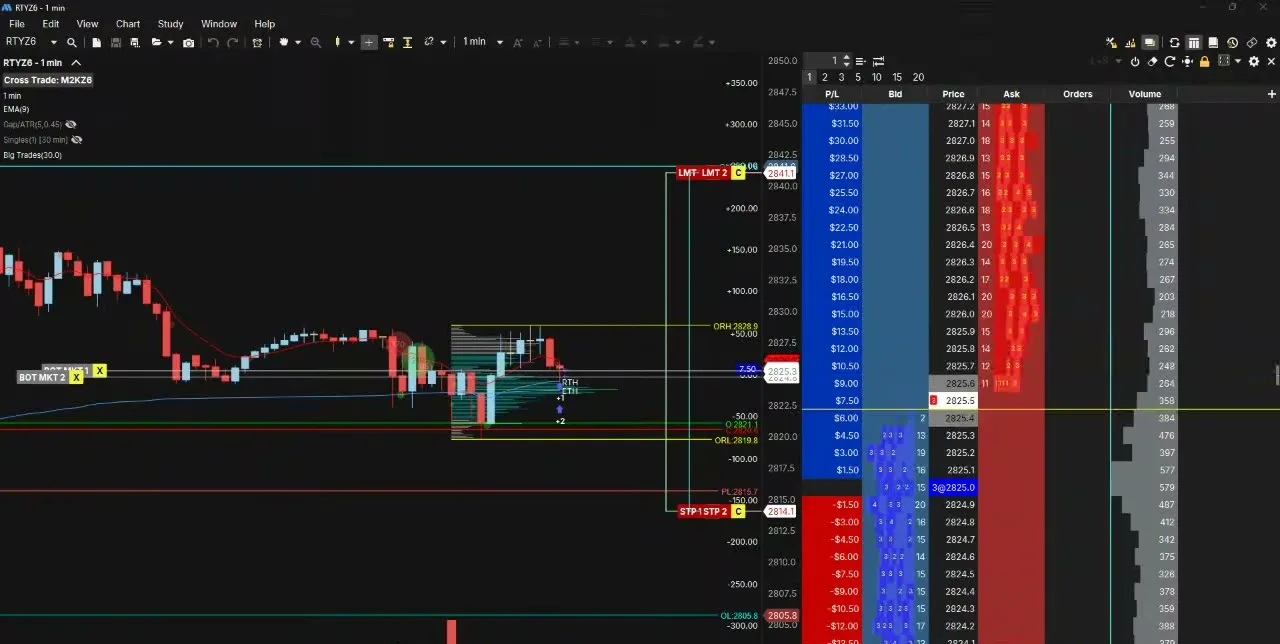
Actal Recorder picture at the entry of an M2K trade: RTY 1 minute chart in MotiveWave with the DOM
Entry · Buy 1 · 16:41:16
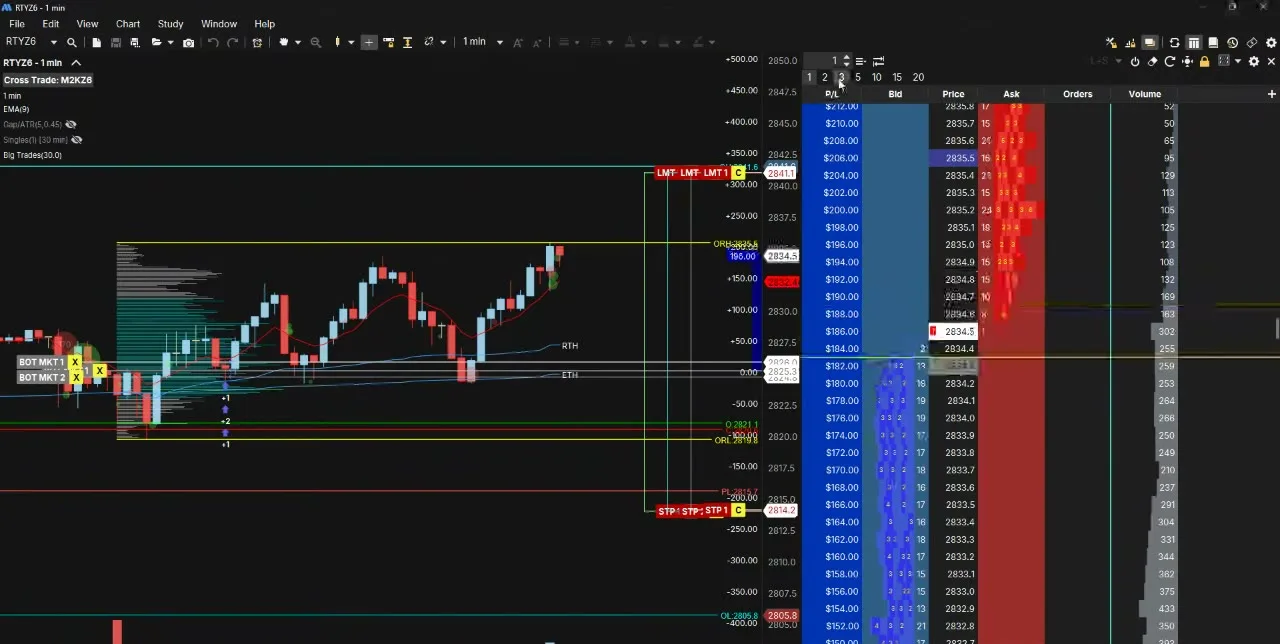
Actal Recorder picture at the add 1 of an M2K trade: RTY 1 minute chart in MotiveWave with the DOM
Add 1 · Buy 2 · 16:41:24
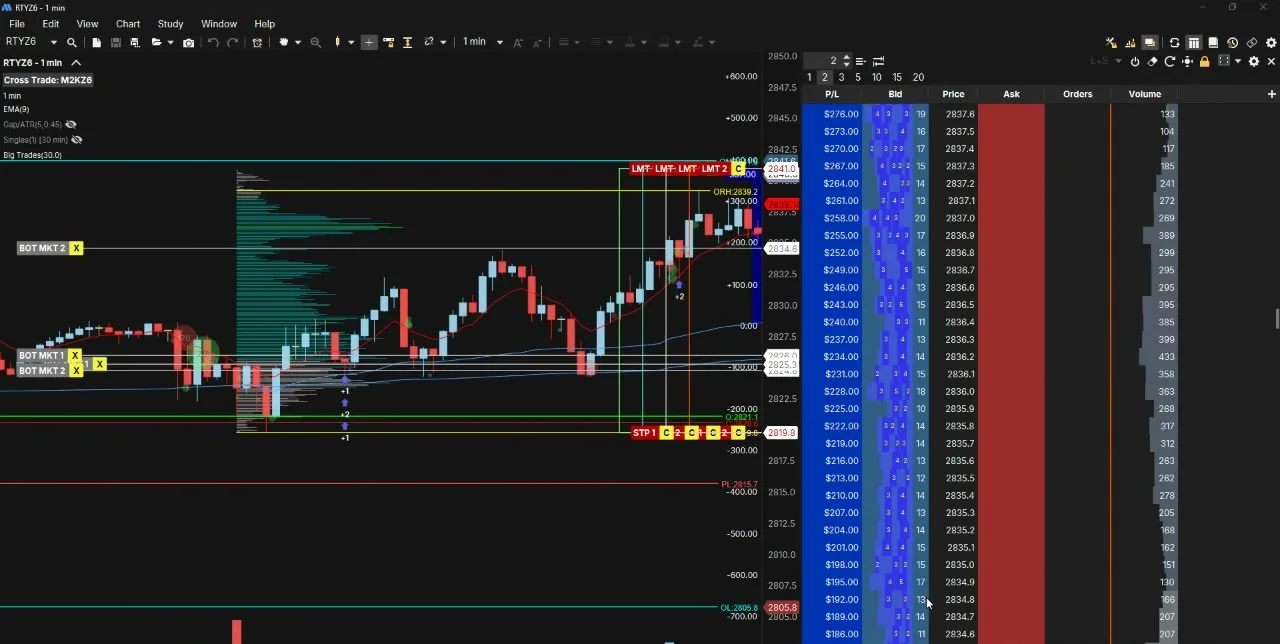
Actal Recorder picture at the add 2 of an M2K trade: RTY 1 minute chart in MotiveWave with the DOM
Add 2 · Buy 1 · 16:41:37
Actal Recorder picture at the add 3 of an M2K trade: RTY 1 minute chart in MotiveWave with the DOM
Add 3 · Buy 2 · 17:15:14
Actal Recorder picture at the exit of an M2K trade: RTY 1 minute chart in MotiveWave with the DOM
Exit · Sell 6 · 17:36:41

Pictures from my RTY 1 minute chart with the DOM, one for every fill of that M2K trade. I cut the account box off the bottom for this page.
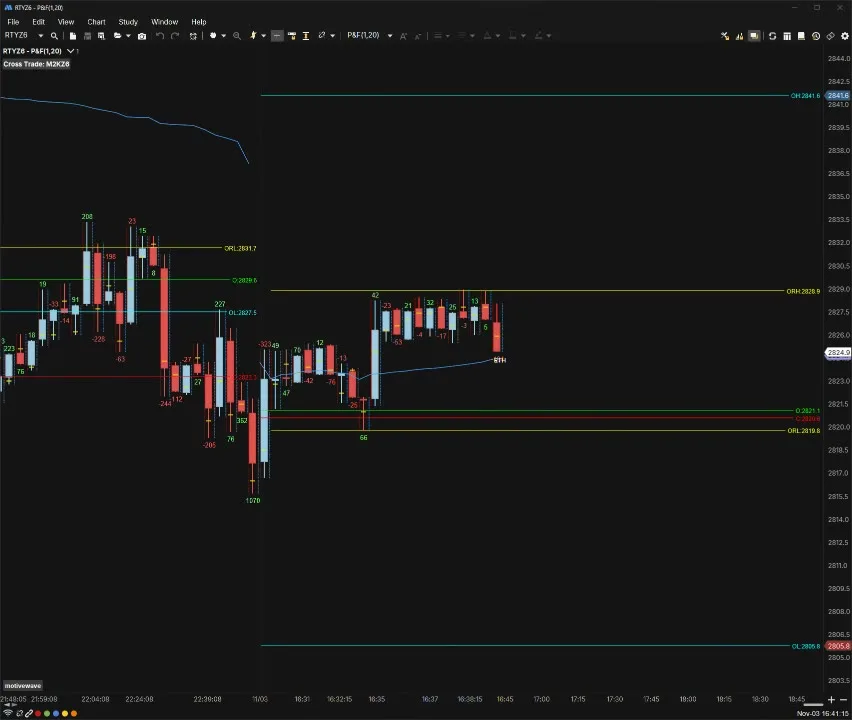
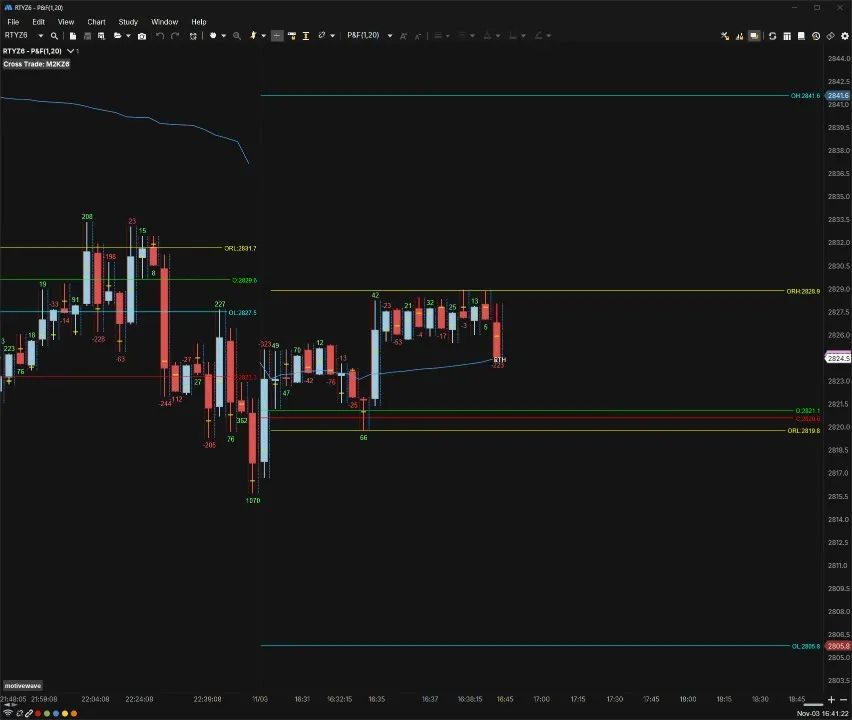
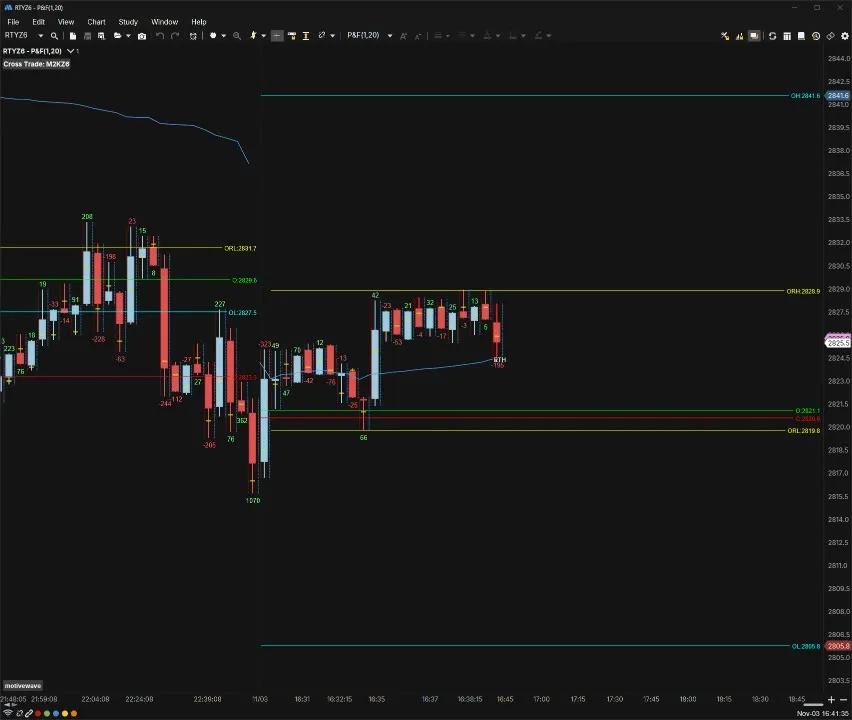
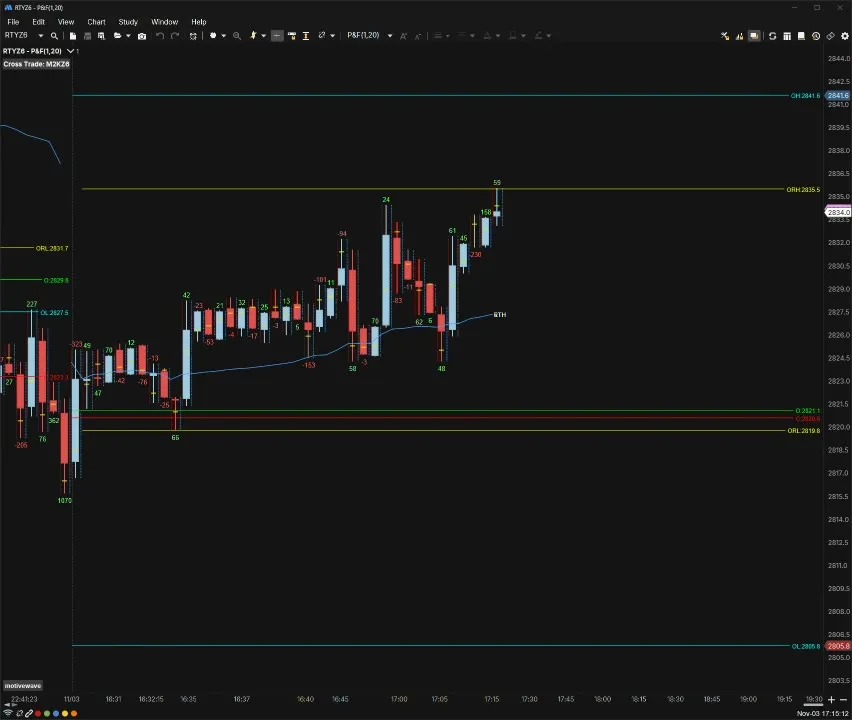
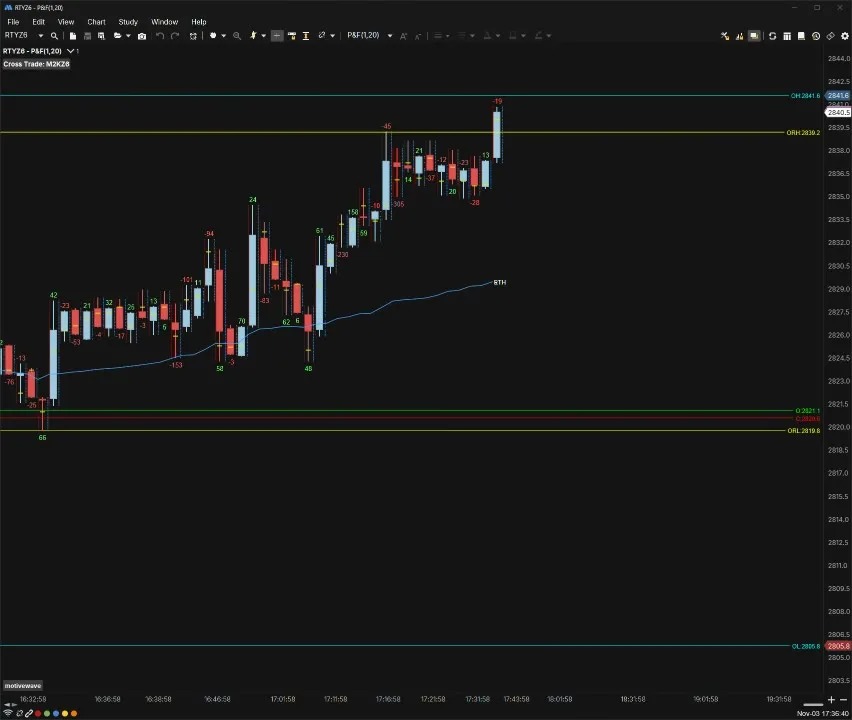
Actal Recorder picture at the entry of the same trade: RTY point and figure footprint chart in MotiveWave
Entry · Buy 1 · 16:41:16
Actal Recorder picture at the add 1 of the same trade: RTY point and figure footprint chart in MotiveWave
Add 1 · Buy 2 · 16:41:24
Actal Recorder picture at the add 2 of the same trade: RTY point and figure footprint chart in MotiveWave
Add 2 · Buy 1 · 16:41:37
Actal Recorder picture at the add 3 of the same trade: RTY point and figure footprint chart in MotiveWave
Add 3 · Buy 2 · 17:15:14
Actal Recorder picture at the exit of the same trade: RTY point and figure footprint chart in MotiveWave
Exit · Sell 6 · 17:36:41

The same fills on my point and figure footprint. The recorder takes a picture in every window you chose that shows the market you traded.

The same trade in my journal

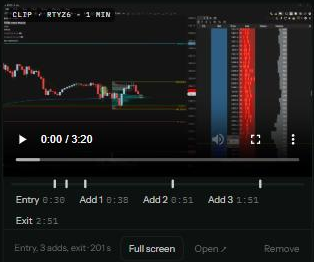
The pictures sit on the trade next to your grade and your notes, and the clip has a mark for every execution, so you can skip straight to the second add or the exit.
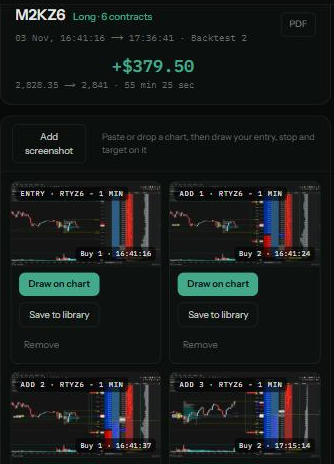
The trade in the owner's Actal journal: M2KZ6 long 6 contracts, +$379.50, with the recorder's pictures labelled Entry, Add 1, Add 2 and Add 3
The trade's clip in the journal with marks to jump to the entry, each add and the exit
Your footage

Your footage stays on your PC

Recording your screen should feel safe, so the recorder keeps almost everything at home.

The full recording stays on your computer and is never uploaded.
Old footage is deleted after the number of days you pick.
Only the pictures and clips of the trades you import go to Actal.
Nobody else sees them unless you share the trade.
On Ask me, nothing is recorded until you say yes.
Price

Comes with Pro+

Actal Recorder comes with Pro+, $25 a month, along with everything in Pro: every stat and finding, and what each mistake costs. During the launch offer Pro+ is $10 a month, $100 a year or $120 once for life (first 100 only). It runs on Windows 10 and 11, and the journal works in any browser.

Launch offer · First 100 only
Pro+ for life, one payment

Everything in Pro+, Actal Recorder for Windows included, for $120 once instead of $25 a month. It pays for itself in 5 months. It won't be this price again.

$120once
$300 a year at the real price
Get Pro+ for life

Questions people ask

Anything that runs in a window on Windows, because it records the windows you pick. It knows NinjaTrader, Tradovate, TopstepX, MotiveWave, Sierra Chart, ATAS, Quantower, Rithmic, Bookmap, Jigsaw, TradingView, MetaTrader, thinkorswim, Interactive Brokers, tastytrade and Webull by name, and it reads the market from the window title.